
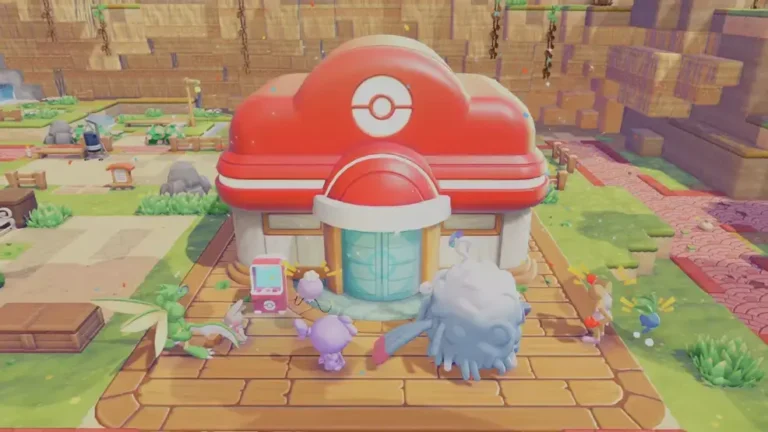
Waiting hours for a building to finish in Pokemon Pokopia can slow down your progress, especially early in the game when you are constantly constructing huts, Pokemon Centers, and other structures. The game follows a real world clock, which means certain projects only finish after a specific amount of time has passed.
Because of this system, many players use a simple trick to move time forward and instantly complete buildings. This method, commonly referred to as Pokemon Pokopia Time Travel, allows you to complete building projects without having to wait the full amount of time to complete each project. Here’s how to use your Nintendo Switch 2’s clock to accelerate construction or reset to do daily events.
What is Pokemon Pokopia Time Travel?
Pokemon Pokopia Time Travel is a method that changes the console’s system clock so the game believes more time has passed. Since the game’s day and night cycle is tied to real time, moving the system clock forward also moves the in-game time forward.
So now you can complete tasks that would normally take time waiting for you to complete instantly. For example, buildings that take a full day or hours will take just a few seconds to complete once the game sees the new time on your system clock.
This same type of trick has been used in many games like Animal Crossing: New Horizons using real world time to determine when daily tasks are completed.
In the case of Pokopia, this system can primarily benefit players that are engaged in building buildings, waiting for craft timers to complete, and wanting to refresh daily activities. Instead of having to wait for the next real day to continue playing, players can fast forward their system clock so they can continue to play.
How to Time Travel in Pokemon Pokopia
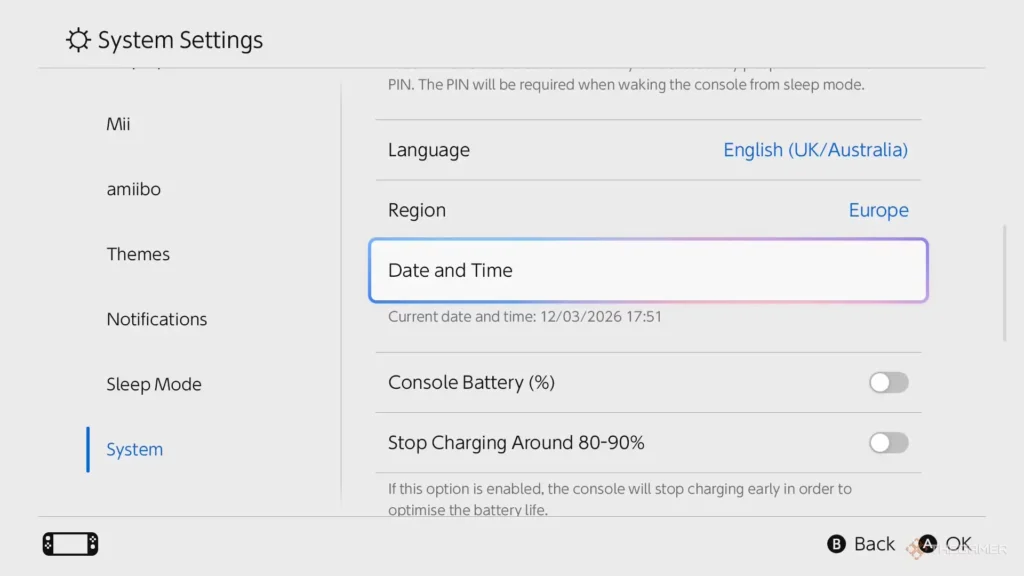
Image via Nintendo Switch 2
Using Pokemon Pokopia Time Travel only requires a few quick changes in your Nintendo Switch 2 settings.
Follow these steps carefully:
- Press the Home button on your Nintendo Switch 2.
- Open System Settings by selecting the gear icon.
- Scroll down and select System.
- Choose Date and Time.
- Turn Synchronize Clock via Internet to Off.
- Manually change the date or time to a future point.
- Return to Pokemon Pokopia.
Once you have re-entered the game, the new time will be registered by the game. Any unfinished building projects or timers will now be completed.
Some users will close and re-open the game after changing the time, but it will generally work either way.
What Pokemon Pokopia Time Travel Can Be Used For
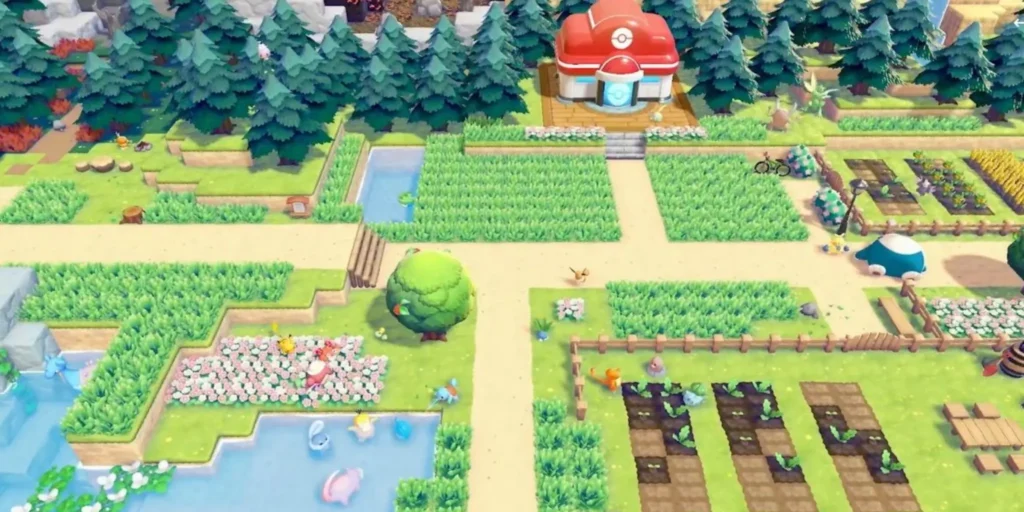
Image via Omega Force.
Time travel in Pokemon Pokopia is primarily used to expedite the settlement process by allowing players to jump ahead rather than wait through the normal progression of time.
Here are 4 examples:
1) Instant completion of buildings
Many building projects (huts, Pokemon Centers, etc.) take several real-life hours to complete. Changing the internal clock allows you to complete them faster.
2) Refresh daily items and challenges
Changing the internal clock ahead in time allows you to refresh the daily items available in the in-game store and also provides you with more new challenges.
3) Collecting daily stamps
Changing the internal clock forward will often result in you collecting a new daily stamp if a date change occurs from the game recognizing it as the next day.
4) Skipping crafting & wait timers
Moving the internal clock forward can also allow you to complete any event that relies on passing of time; i.e. crafting something.
Using these time plays will make the early game much more enjoyable because you are able to quickly construct multiple buildings.
Are There Consequences to Time Travel in Pokemon Pokopia?
So far, there are no major punishments reported for using time travel in Pokemon Pokopia. Unlike some other games that penalize players for changing the system clock, Pokopia appears fairly relaxed about it.
Even though you will not be penalized for using the time travel feature here are several important things to keep in mind:
- If you travel back in time (or forward) too far on the player’s calendar there is a possibility that you will lose all stamps previously earned.
- Changing back to an earlier date on the player’s calendar does not allow for the player’s items to be replenished in the shop.
- If you travel back to a date that a player had previously visited a dream island, the game will only recreate the same dream island location and will not provide a new site.
Because of the penalties listed above, a lot of players opt to forward their clock by only one day at a time.
Editor Recommendation’s:
- How to Make Glass in Pokémon Pokopia: The Ultimate Smelting Guide
- Pokémon Pokopia ‘More Spores for Hoppip!’ Event Guide: Farming Spores & Unlocking Habitats
- The Ultimate Guide to Dream Islands in Pokémon Pokopia
- What to Do With Mysterious Slates in Pokémon Pokopia: The Ultimate Unown Mural Guide
- How to Get Bricks in Pokémon Pokopia: The Ultimate Crafting Guide
- How to Change Your Appearance in Pokemon Pokopia
FAQs