
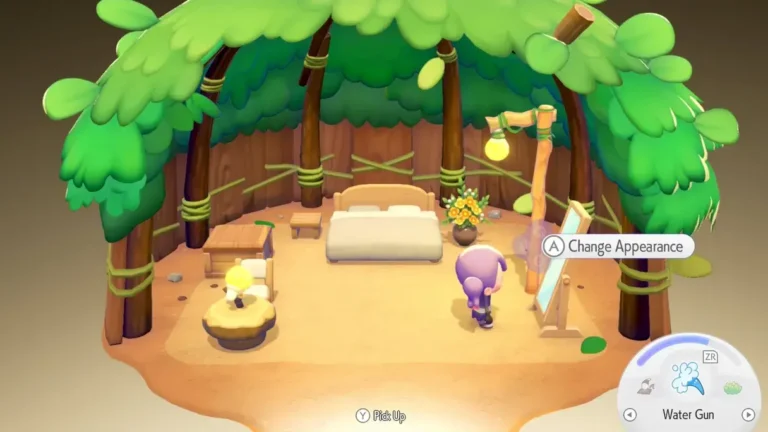
One of the fun and enjoyable parts about playing Pokemon Pokopia is customizing your character. Your character is actually a Ditto disguised as a human so it makes sense to customize your character to fit with the overall theme of the game. You have the ability to change your hairstyle, outfit, and accessorize anytime so that you can try out multiple looks as you play through the game.
The actual customization process is fairly simple once you figure out where to customize. You will need a mirror or some other piece of furniture that will allow for character customization. When you interact with these items, the full customization screen will be available and you can adjust almost every visual aspect of your character.
Below is a complete guide to how to change your character’s appearance in Pokemon Pokopia and obtain all of your new cosmetics
How to Change Appearance in Pokemon Pokopia
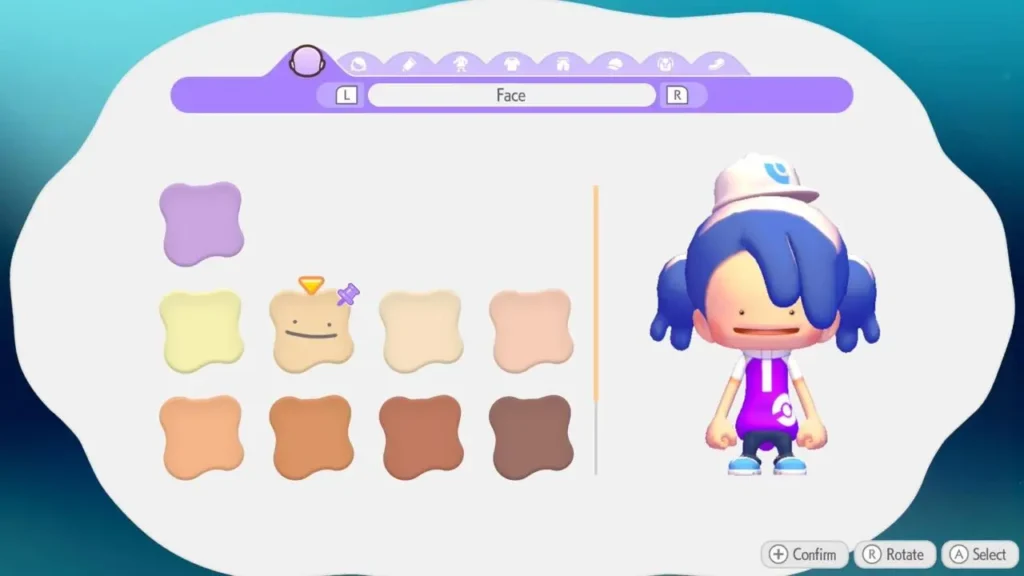
Image via Omega Force.
To change your appearance in Pokemon Pokopia, you need to interact with a mirror. Mirrors act as the gateway to the character customization menu, where you can edit your character’s look whenever you want.
To begin making any modifications to your character’s appearance, you must walk up to a mirror and then press the button that will initiate the customization screen. The interface you will see here works just like the one you saw during the initial character creation process of the game, which will enable you to edit a vast majority of your character features again.
There are a number of visual features that you can adjust in this menu, including:
- Face
- Hairstyle
- Hair color
- Skin tone
- Outfits
- Tops and pants
- Headwear
- Bags or backpacks
- Shoes
After making your changes, simply confirm and save them to apply your new look. You can return to a mirror anytime if you want to switch outfits or try a different hairstyle.
Where to Find Mirrors in Pokemon Pokopia
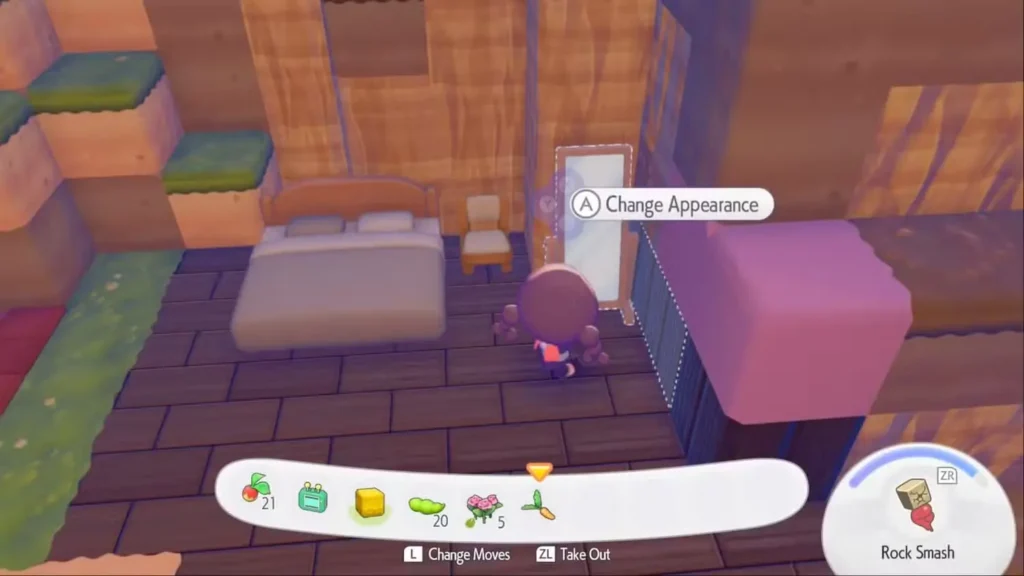
Image via Omega Force.
Finding a mirror is the most important step if you want to change your appearance in Pokemon Pokopia. Thankfully, there are several ways to get one.
One of the easiest methods is exploring the game world. Mirrors can appear inside abandoned human structures, ruins, and old habitats scattered across the map. For example, players can find one in an abandoned house east of the Pokémon Center in the Withered Wastelands area. Clearing the path with Rock Smash lets you reach the building and grab the mirror.
You can also purchase a mirror from the PC shop located near the Pokémon Center. Once you unlock the PC system by progressing through early objectives in the Withered Wastelands, mirrors become available for purchase. A mirror costs around 50 coins, making it a relatively affordable upgrade.
Another option is crafting mirrors. During the course of the game, you will obtain a recipe that allows you to create a Wall Mirror with one piece of Glass. Wall Mirrors behave the same as the other types of mirrors and must be placed within a house (as opposed to a simple hut).
Some environments also contain large mirrors placed in the world, such as near certain habitats. These can be used instantly if you come across them while exploring.
Editors Recommendation’s:
- How to Make Glass in Pokémon Pokopia: The Ultimate Smelting Guide
- Pokémon Pokopia ‘More Spores for Hoppip!’ Event Guide: Farming Spores & Unlocking Habitats
- The Ultimate Guide to Dream Islands in Pokémon Pokopia
- What to Do With Mysterious Slates in Pokémon Pokopia: The Ultimate Unown Mural Guide
- How to Get Bricks in Pokémon Pokopia: The Ultimate Crafting Guide
FAQs